A shared family car raises a different tracking question: not whether the car is safe, but who drove it, where it went and when it will be back. The right setup gives every licensed driver visibility, keeps rules fair and avoids turning the family car into a surveillance project. This guide covers choosing a tracker, agreeing on alerts, per-driver setup and the budget for a shared vehicle.
What does a shared-car setup need?
It needs trip history by driver, arrival and departure alerts and a simple household dashboard everyone can read without conflict.
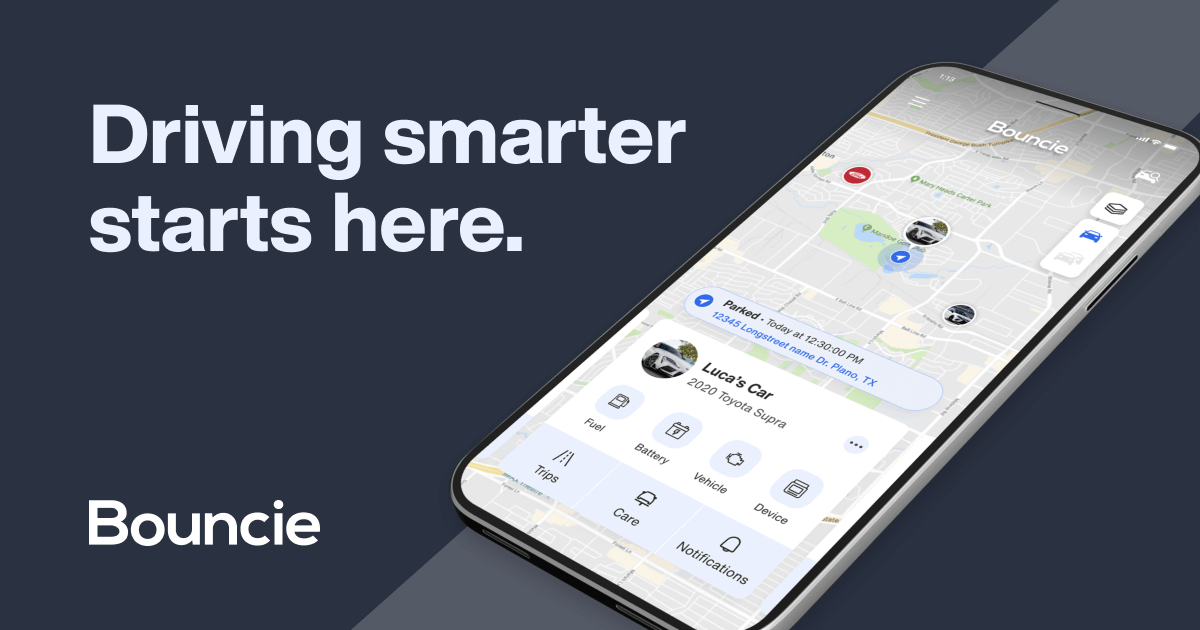
OBD trackers such as Bouncie and Vyncs log trips and events that families can match to schedules. The setup succeeds when the household agrees the tracker answers “who has the car” rather than “where is everyone,” which is a family-rules question as much as a technology one.
Which tracker type fits a shared family car?
An OBD plug-in fits because it stays in the car, reports every trip and needs no battery routine from any driver.
Magnetic trackers add recharging and fit theft recovery better than household scheduling; finder tags cannot log trips reliably. Choose the OBD type and pick the brand by dashboard style: Bouncie for simplicity, Vyncs for annual billing, MOTOsafety when a teen driver needs coaching reports.
How do you set it up fairly?
Agree as a household which alerts exist, who sees trip history and what happens after a rule is broken, then install the device openly.
Fairness comes from the conversation, not the hardware. Decide whether arrival alerts apply to every driver equally and whether the teen gets the same privacy as the parents. Keep the policy consistent, because a tracker used selectively destroys trust faster than any feature builds it. Our responsible-use policy applies to family setups too.
Which alerts should you configure first?
Set the home geofence, arrival alerts and a curfew window, and review trips weekly instead of reacting to every notification.
These alerts answer the practical questions: is the car home, who arrived and is anyone out past the agreed time. Weekly review keeps the data useful without surveillance fatigue. When a rule is broken, discuss the specific trip and move on, rather than stacking alerts every drive.
What should you budget?
Budget one device plus roughly $10 to $25 per month for a single shared car, with multi-device discounts if several family cars are tracked.
Bouncie discounts at three or more devices, Vyncs bundles annually, and MOTOsafety adds a monthly service for its coaching features. One shared car needs one plan; the family saves by tracking only the vehicles that need it. Model the year-one total before adding devices.
What happens if the tracker is unplugged?
Ask who removed it and why, restate the household rule and treat a repeat as a policy conversation rather than a technical fix.
An unplugged tracker in a family car is usually a disagreement about privacy, not a device failure. Talk it through, confirm the rule applies to all drivers and consider hardwired installation only if removal becomes a pattern. The goal is a shared understanding, not a cat-and-mouse game.

What is the recommended shared-car setup?
Use one OBD tracker with a home geofence, arrival alerts, weekly trip review and a written household driving agreement.
Bouncie is the value pick for a shared car, Vyncs suits annual budgets and MOTOsafety adds coaching for a teen driver. Set the alerts equally, review weekly and keep the conversation about schedules and rules rather than constant monitoring.
FAQ about GPS trackers for shared family cars
Is it okay to track a shared family car?
Yes, when the household agrees and the policy applies to all drivers equally. Disclose the tracker and agree on alerts before installing.
Can the tracker tell who drove the car?
Trip times and event history let families match drives to schedules; driver ID features are rare on consumer trackers. Use trip logs plus the household calendar.
What is the best tracker for a shared car?
Bouncie for simplicity, Vyncs for annual billing and MOTOsafety when a teen driver needs coaching reports. All are OBD plug-ins with trip history.
Does each driver need an account?
No. One account covers the car, and the app can share access with the adults who need arrival alerts and history.
Compare OBD options in the hub guide and read the Bouncie and Vyncs reviews before choosing the household setup.