Delivery and gig drivers face a double risk: their car is their income, and it often sits unattended between orders. A tracker protects that income by providing theft recovery, mileage records and trip visibility at the lowest possible cost. This guide covers what gig drivers need, the simplest device type, setup steps and the budget that makes sense on gig income.
What does a gig-driver setup need?
It needs theft alerts, mileage and trip records, and a low monthly cost that does not eat into delivery earnings.
Consumer trackers fit because gig drivers are single-vehicle operators: an OBD unit such as Vyncs or Bouncie reports trips and mileage, while a hidden magnetic unit adds recovery coverage for the car when it is parked between shifts.
Which tracker type fits gig drivers?
OBD plug-ins fit mileage and trip logging; a small magnetic tracker is the practical theft layer for a car that sits between orders.
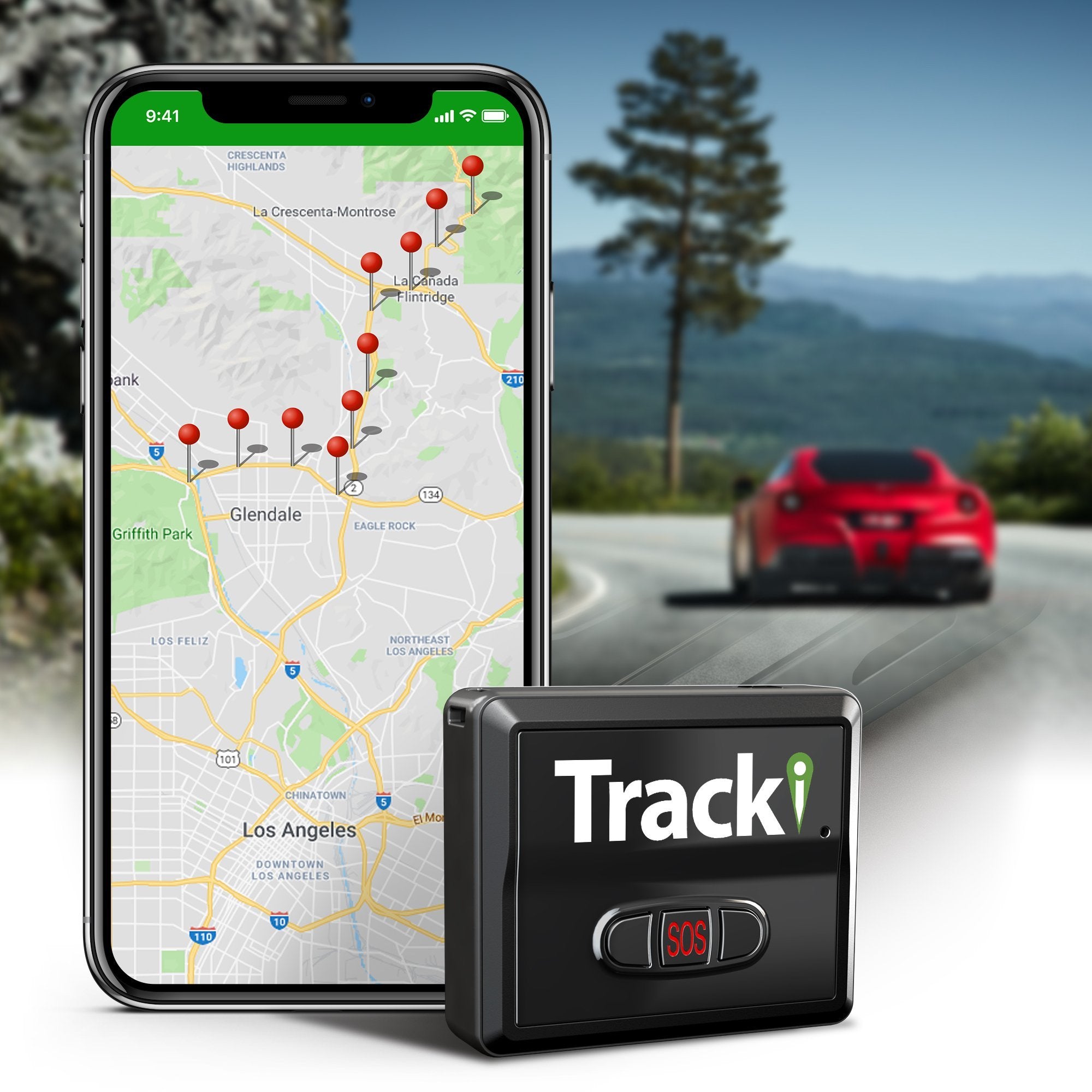
The OBD unit powers itself and logs every shift with no maintenance. The magnetic unit such as Tracki or the LandAirSea 54 adds concealment for parked periods, accepting a recharge routine. Many gig drivers run one OBD tracker and keep the budget simple.
How do you set it up?
Plug the OBD device in, register the plan, set a home geofence and test the first shift’s trips before relying on the data.
Setup takes minutes with a plug-in, and the app should show trip start and end times you can match to your deliveries. If you add a magnetic unit for theft, place it on clean steel, enable movement alerts and recharge on a schedule. Full placement guidance is in the magnetic explainer.

Which settings should you configure first?
Enable movement alerts, a parking geofence and trip history, and set the update mode to balance battery and cost.
Movement alerts flag theft while the OBD unit logs shifts; trip history supports mileage deductions. On the magnetic unit, choose a mode that reports movement quickly without draining the battery between shifts. Keep alerts minimal so the app stays useful during a busy day.
What should you budget?
Budget about $10 to $15 per month for one tracker, or up to $25 if you run both OBD and magnetic coverage.
Vyncs’ annual bundle and Tracki’s low monthly plan fit gig income; two subscriptions only make sense when both jobs are real. Count the device cost once and the service per year, then decide whether theft coverage justifies a second plan. The budget list shows the cheapest verified options.
What happens if the car is stolen mid-shift?
File a police report, open the live map from either tracker and share the location rather than chasing the vehicle.
The OBD unit may be unplugged by a thief, which is why the hidden magnetic unit matters for gig cars parked on the street. Check both apps, give police the live feed and keep the account ready for quick access. The recovery routine is detailed in the theft-recovery guide.
What is the recommended gig-driver setup?
Start with one OBD tracker for trips and mileage, then add a hidden magnetic unit if the car sits unattended in high-theft areas.
Vyncs or Bouncie covers the daily job at low cost; Tracki adds a recovery layer without breaking the budget. Configure the alerts, test the first shift and keep the theft unit charged — the combination protects both the income and the car.
FAQ about GPS trackers for gig drivers
What is the best tracker for a gig driver?
An OBD tracker such as Vyncs or Bouncie for trips and mileage, plus a magnetic unit such as Tracki when theft coverage matters. Budget decides the combination.
Can a tracker help with mileage deductions?
Yes. OBD trackers log trips and odometer-style data that support mileage records for gig work and taxes.
Do I need two trackers?
Only if theft coverage for a parked car justifies the second plan. One OBD tracker covers trip logging; a hidden magnetic unit covers recovery.
Are subscriptions affordable on gig income?
Yes at the budget tier: plans run about $10 to $15 per month, with annual bundles from Vyncs lowering the monthly equivalent.
Compare costs in the budget list, then read the Vyncs and Tracki reviews before choosing your setup.